> ## Documentation Index
> Fetch the complete documentation index at: https://docs.coloop.ai/llms.txt
> Use this file to discover all available pages before exploring further.
# Troubleshooting
> Learn how to troubleshoot issues with the CoLoop recording bot.
Below are some common issues and tips to resolve them.
## Bot did not join a zoom meeting
**Microsoft overrides Team Link**
This issue is likely due to the **Teams meeting** toggle being switched on in your Microsoft Calendar invite. When the toggle is on, Microsoft overrides your Zoom URL with a Teams URL. As a result, the bot will attempt to join a Teams meeting instead of your intended Zoom meeting.
**Zoom Webinar Requiring Registration**
The CoLoop recording bot can only join zoom webinars which do not require registration.
**Zoom Sign-In Required**
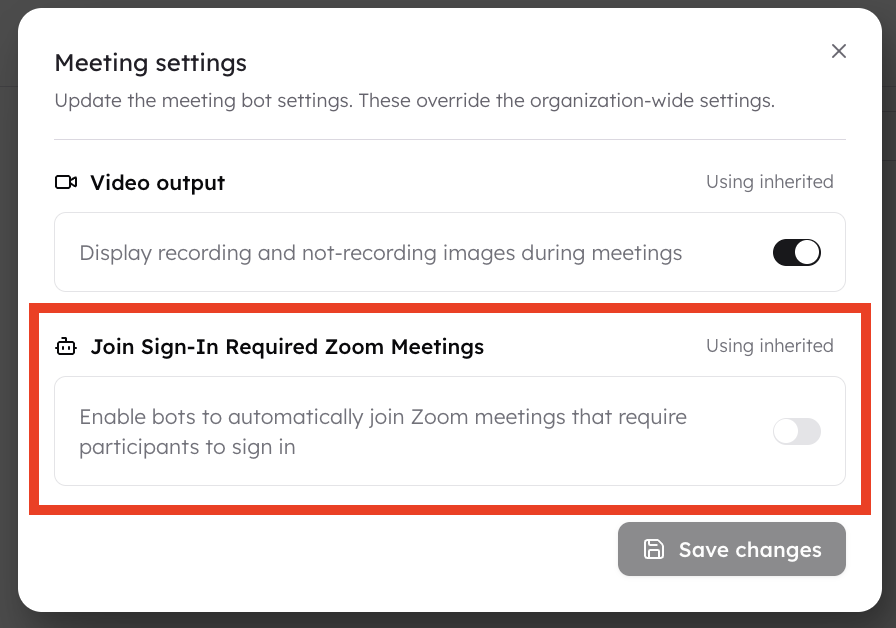
CoLoop can join zoom meetings bwhen sign-in is required as long users enable this in meeting bot settings. Meeting bot setting can be managed at the organisation level by a workspace admin, or on the project level by a project admin.
 **Timezone Settings**
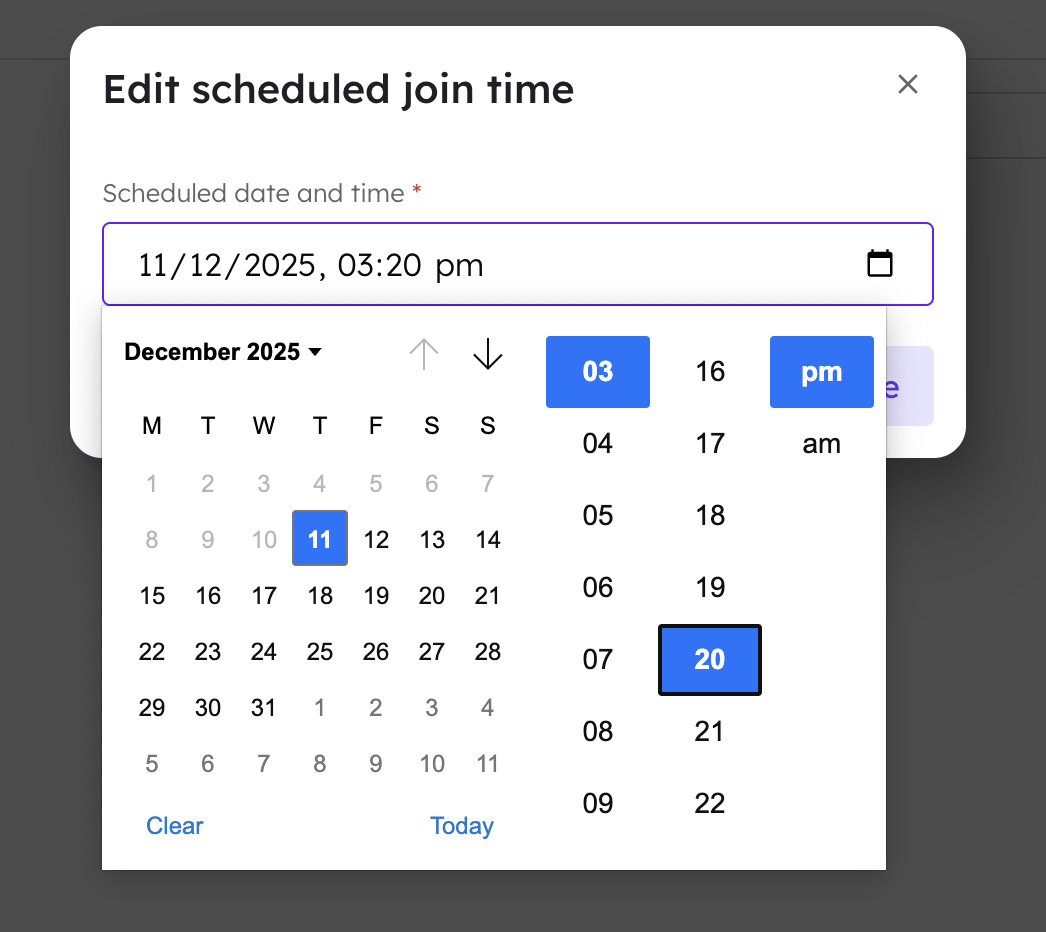
If CoLoop didn’t join a scheduled call, it may be because the meeting time was entered in a different timezone. The +Join Meeting method always uses the timezone of the user's device it was scheduled on.
**Timezone Settings**
If CoLoop didn’t join a scheduled call, it may be because the meeting time was entered in a different timezone. The +Join Meeting method always uses the timezone of the user's device it was scheduled on.