
Recorder did not join a zoom meeting
Microsoft overrides Team Link This issue is likely due to the Teams meeting toggle being switched on in your Microsoft Calendar invite. When the toggle is on, Microsoft overrides your Zoom URL with a Teams URL. As a result, the recorder will attempt to join a Teams meeting instead of your intended Zoom meeting. Zoom Webinar Requiring Registration The CoLoop interview recorder can only join zoom webinars which do not require registration. Zoom Sign-In Required CoLoop can join zoom meetings when sign-in is required as long as users enable this in interview recorder settings. Interview recorder settings can be managed at the organization level by a workspace admin, or on the project level by a project admin.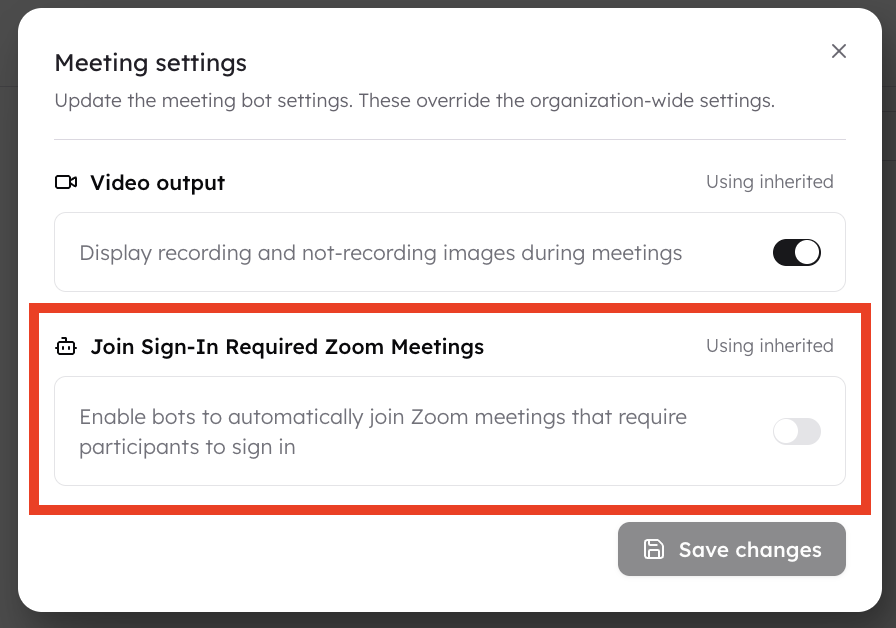 Timezone Settings
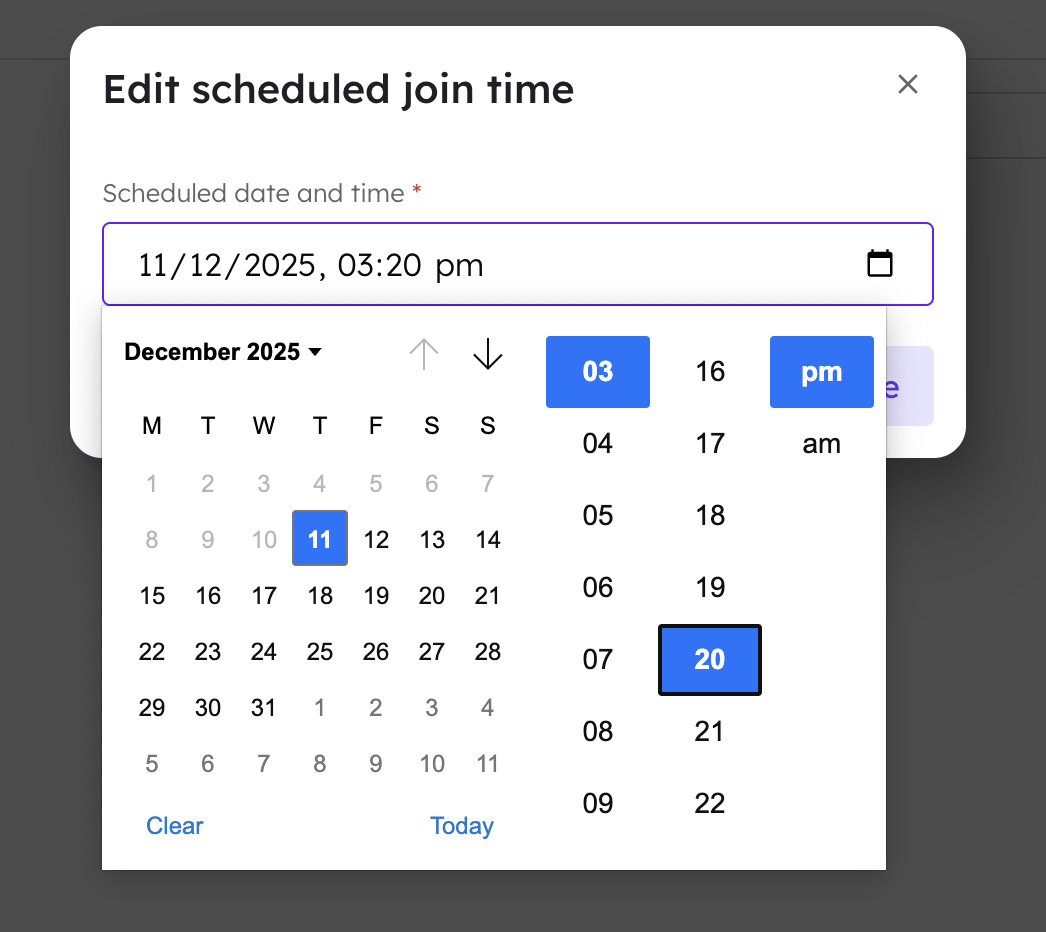
If CoLoop didn’t join a scheduled call, it may be because the meeting time was entered in a different timezone. The +Join Meeting method always uses the timezone of the user’s device it was scheduled on.
Timezone Settings
If CoLoop didn’t join a scheduled call, it may be because the meeting time was entered in a different timezone. The +Join Meeting method always uses the timezone of the user’s device it was scheduled on.