

- Click summaries, themes, or quotes to see the exact supporting evidence.
- All sources are cited and linked back to the original transcript.
- Stay grounded in the data and easily verify findings.
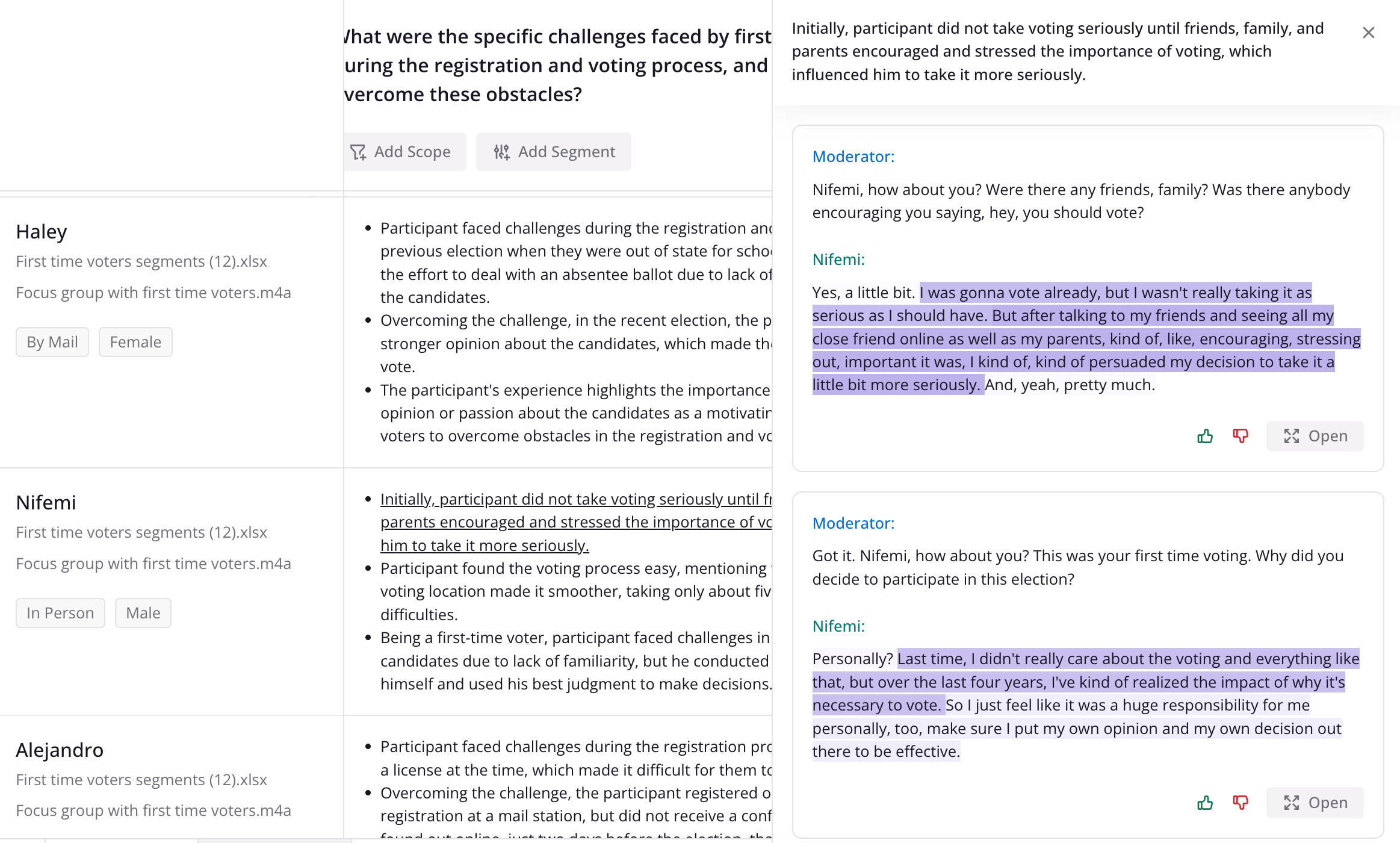 From the evidence panel you can click ‘Open’ to open up the transcript and go directly to the context.
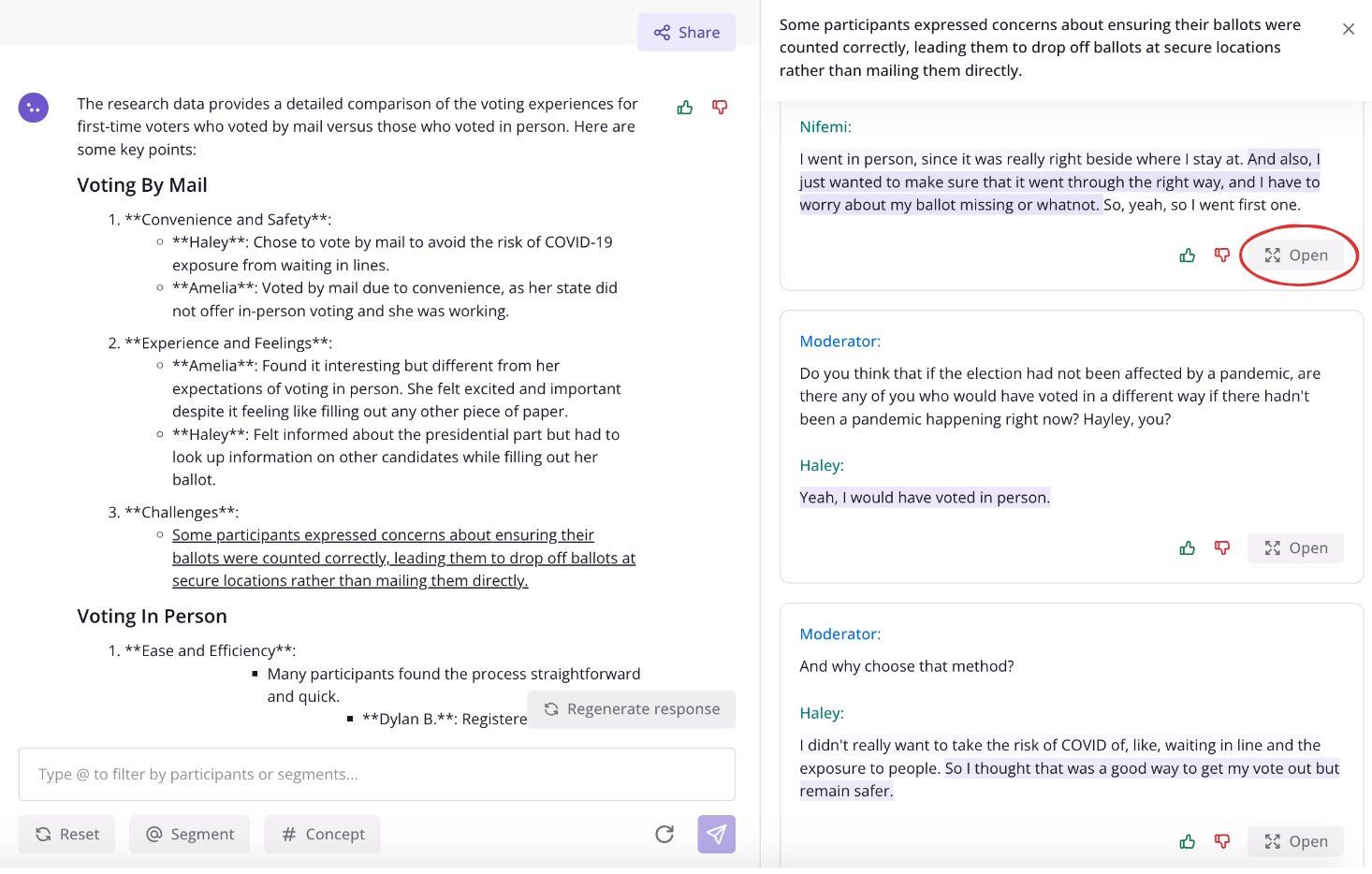
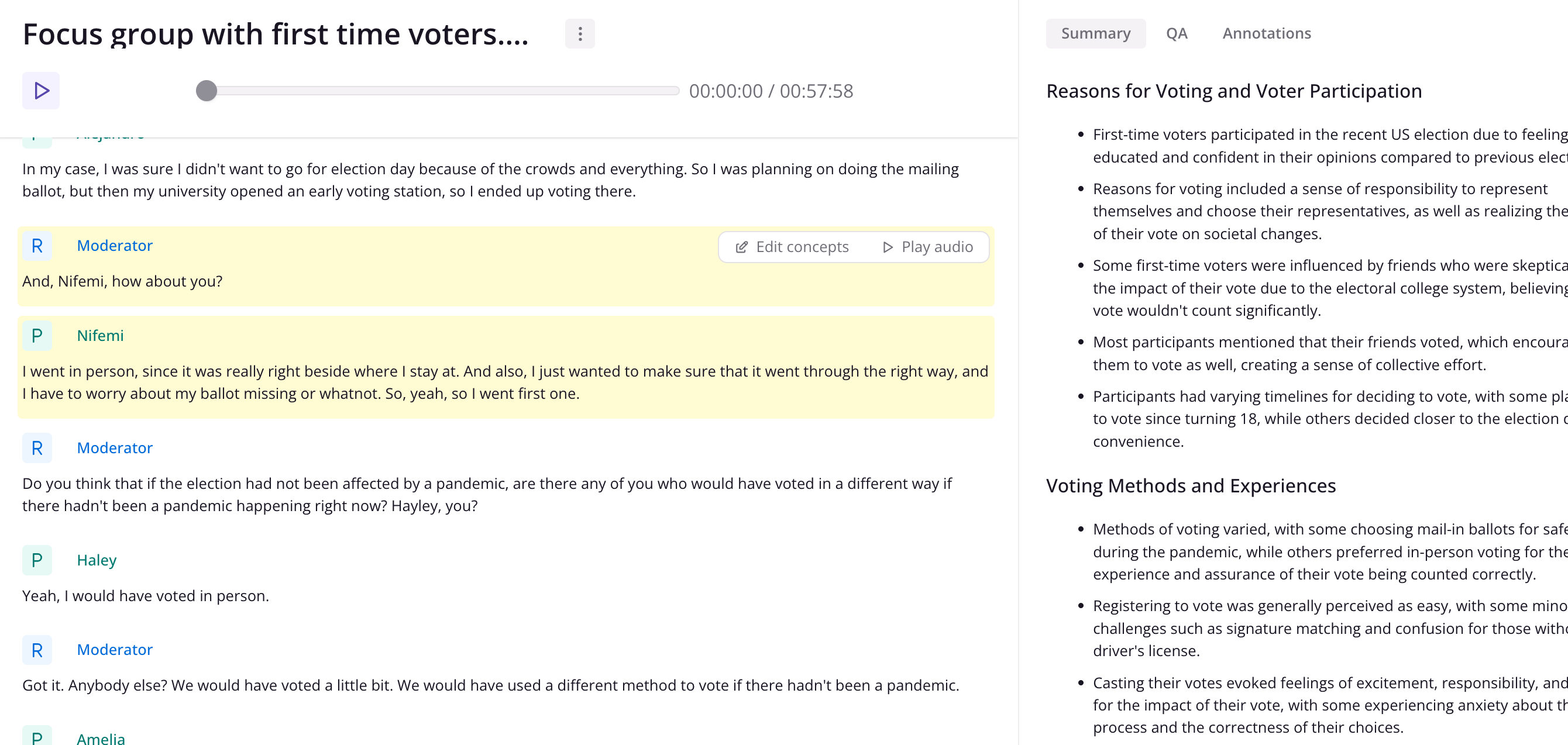
Create a clip from a quote
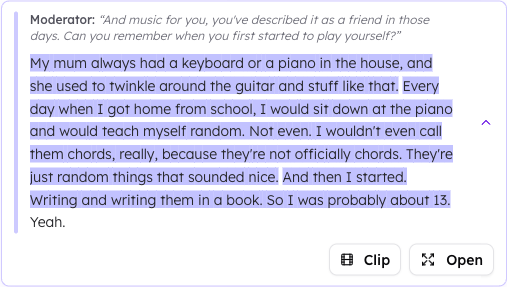
When a supporting quote comes from an audio or video file, you can turn it into a clip without leaving the evidence panel.- Click a supporting quote to expand it.
- Click Clip.
 To play back, download, or combine clips into a reel, see Creating Clips and Reels.